

Create your account
Open light.aius.co/login, choose Register, and
enter your email and a password of at least 12 characters. Create
account signs you in.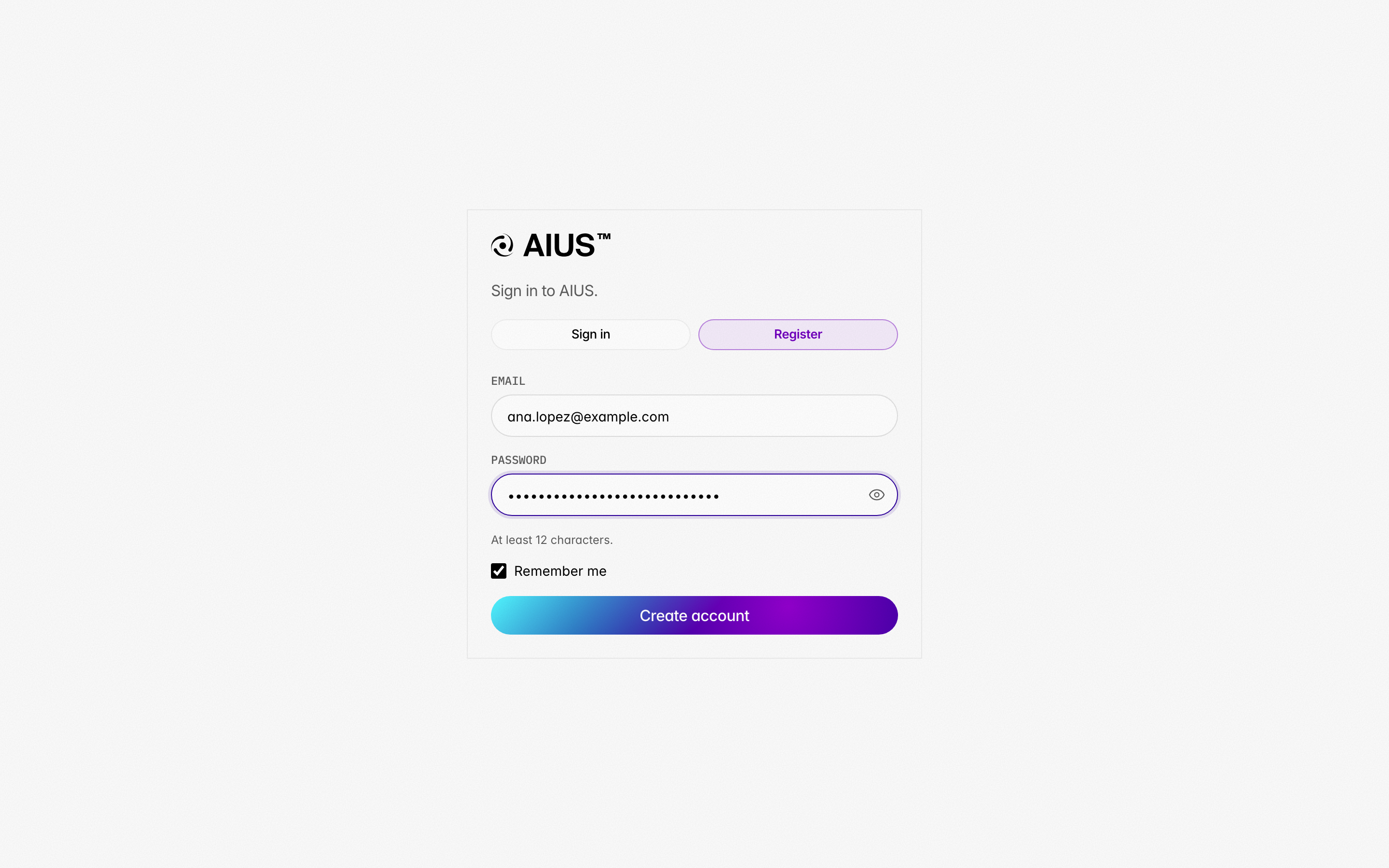 You land on the Projects page of your personal organisation, named after
your email address, for example Personal (ana.lopez). It is yours from
the start: create projects in it, publish to it, and invite colleagues later
if you want to.
You land on the Projects page of your personal organisation, named after
your email address, for example Personal (ana.lopez). It is yours from
the start: create projects in it, publish to it, and invite colleagues later
if you want to.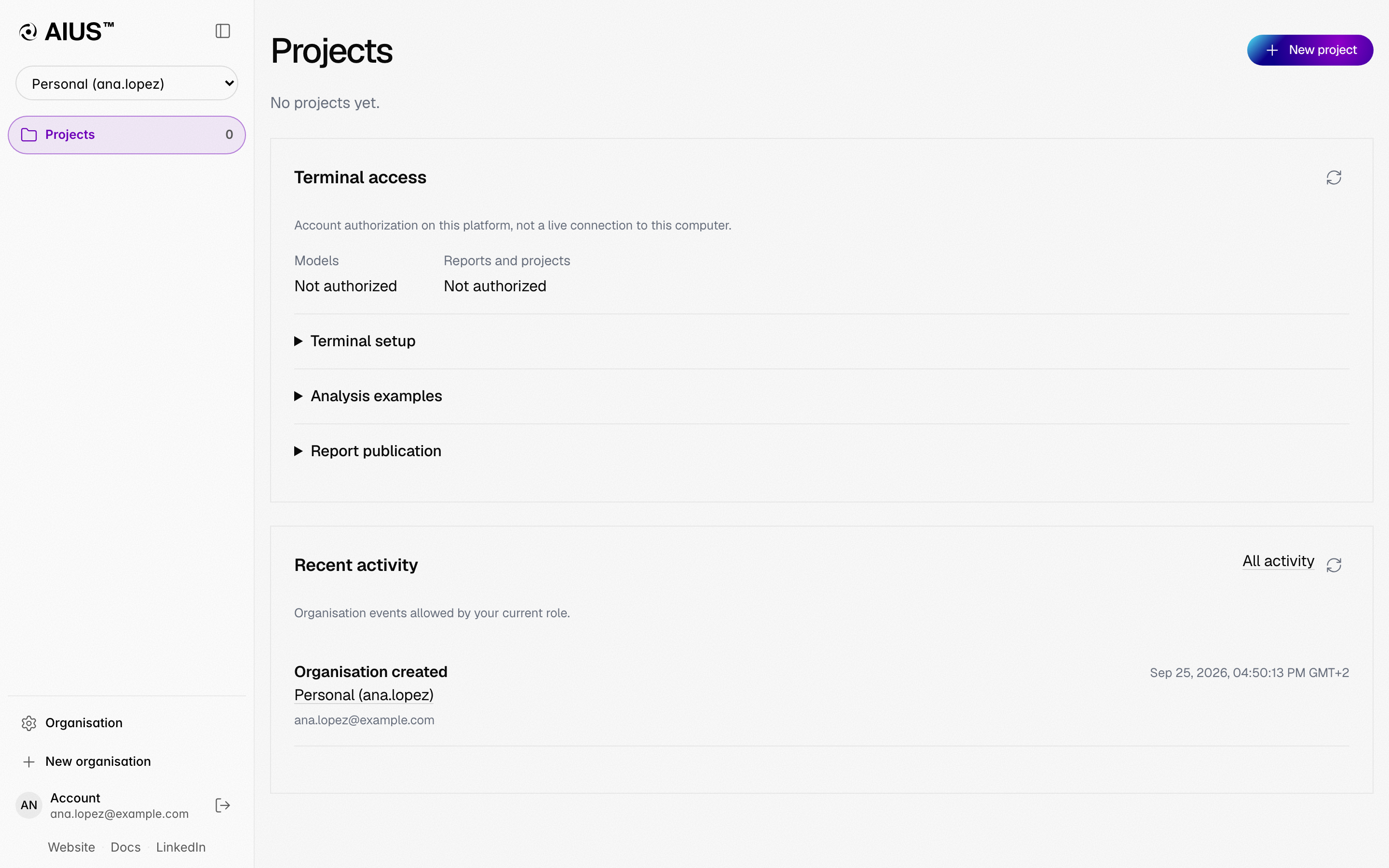
Install the terminal
On macOS (Apple Silicon) or Linux (x64), run:Then open a new terminal. Installation covers
updating, specific versions and the Python packages the data tools use.
Sign in from the terminal
Go to a folder that holds your data and start AIUS. The first time, it asks
you to sign in: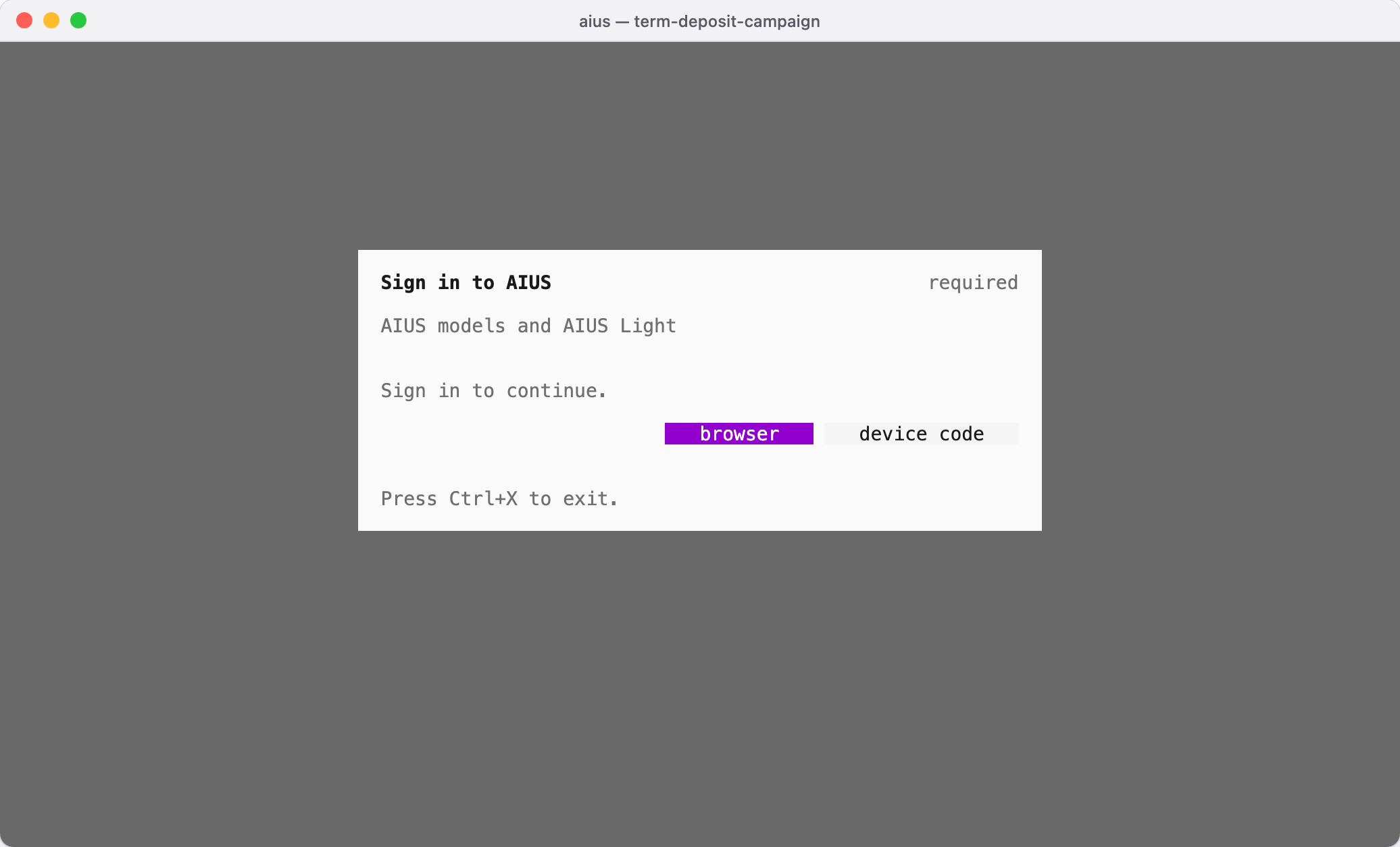 Choose browser to approve in your default browser, or device code
(Ctrl+D) to approve from any browser. The terminal then
shows an address and a code:
Choose browser to approve in your default browser, or device code
(Ctrl+D) to approve from any browser. The terminal then
shows an address and a code: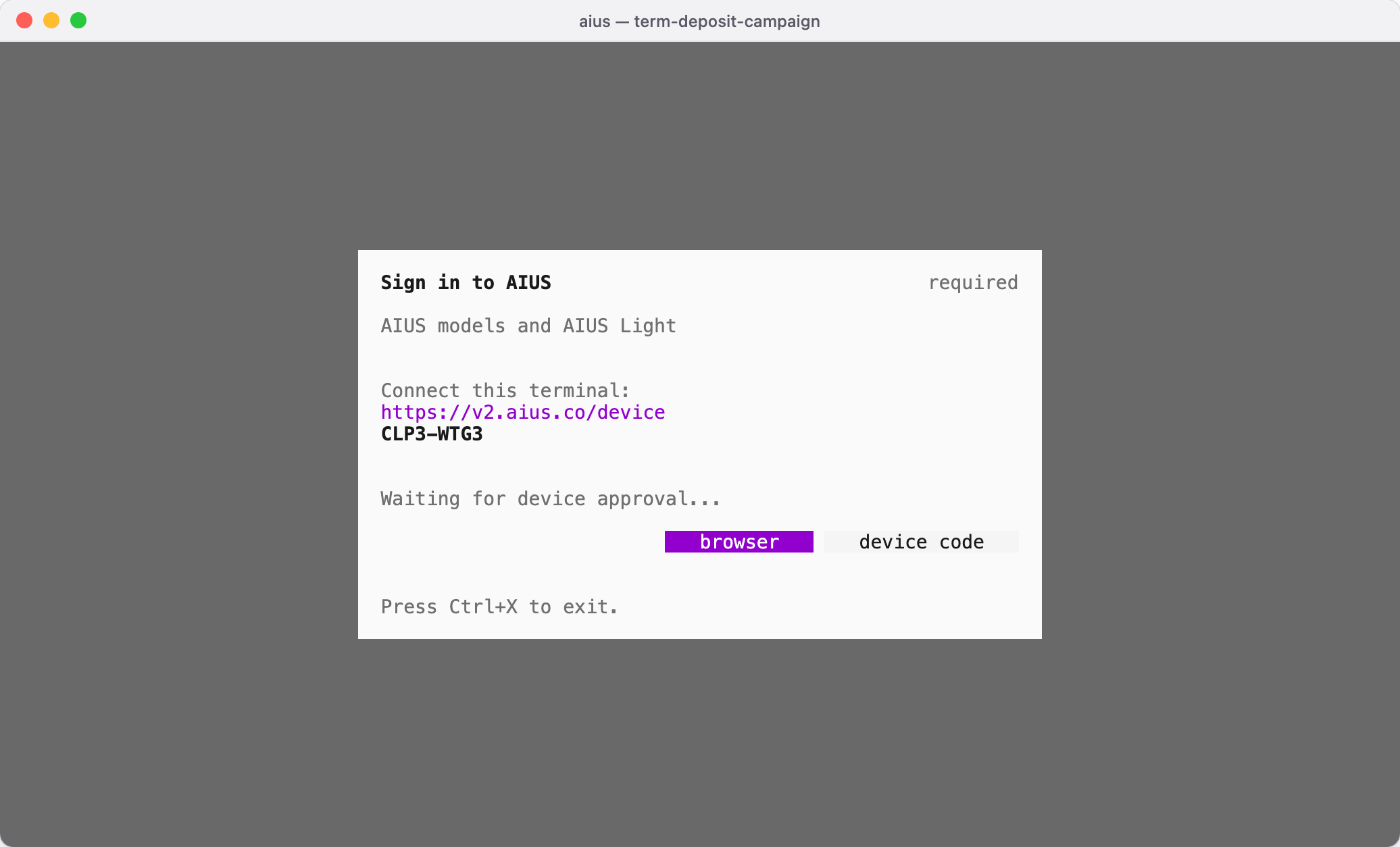 Open the address, check that the code matches and choose Allow access.
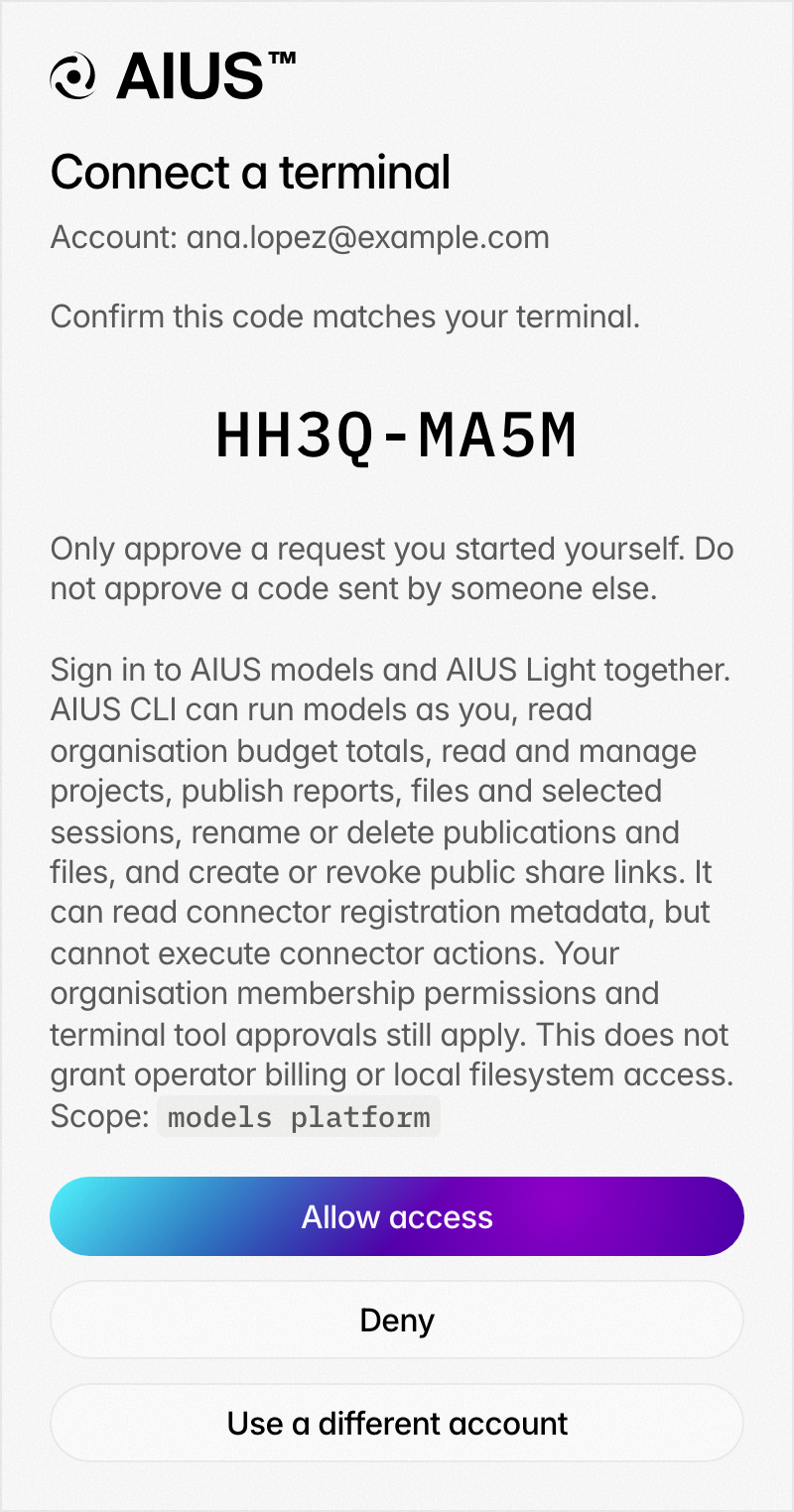 One approval connects both the AIUS models and your web platform account.
AIUS then offers to keep the folder as a project in AIUS Light, so its
working files sync there (Folders and projects).
One approval connects both the AIUS models and your web platform account.
AIUS then offers to keep the folder as a project in AIUS Light, so its
working files sync there (Folders and projects).
Ask a question about your data
Describe the decision you need to make and point the agent at your files.
Ask for the evidence you want to see, and say where the result should be
published: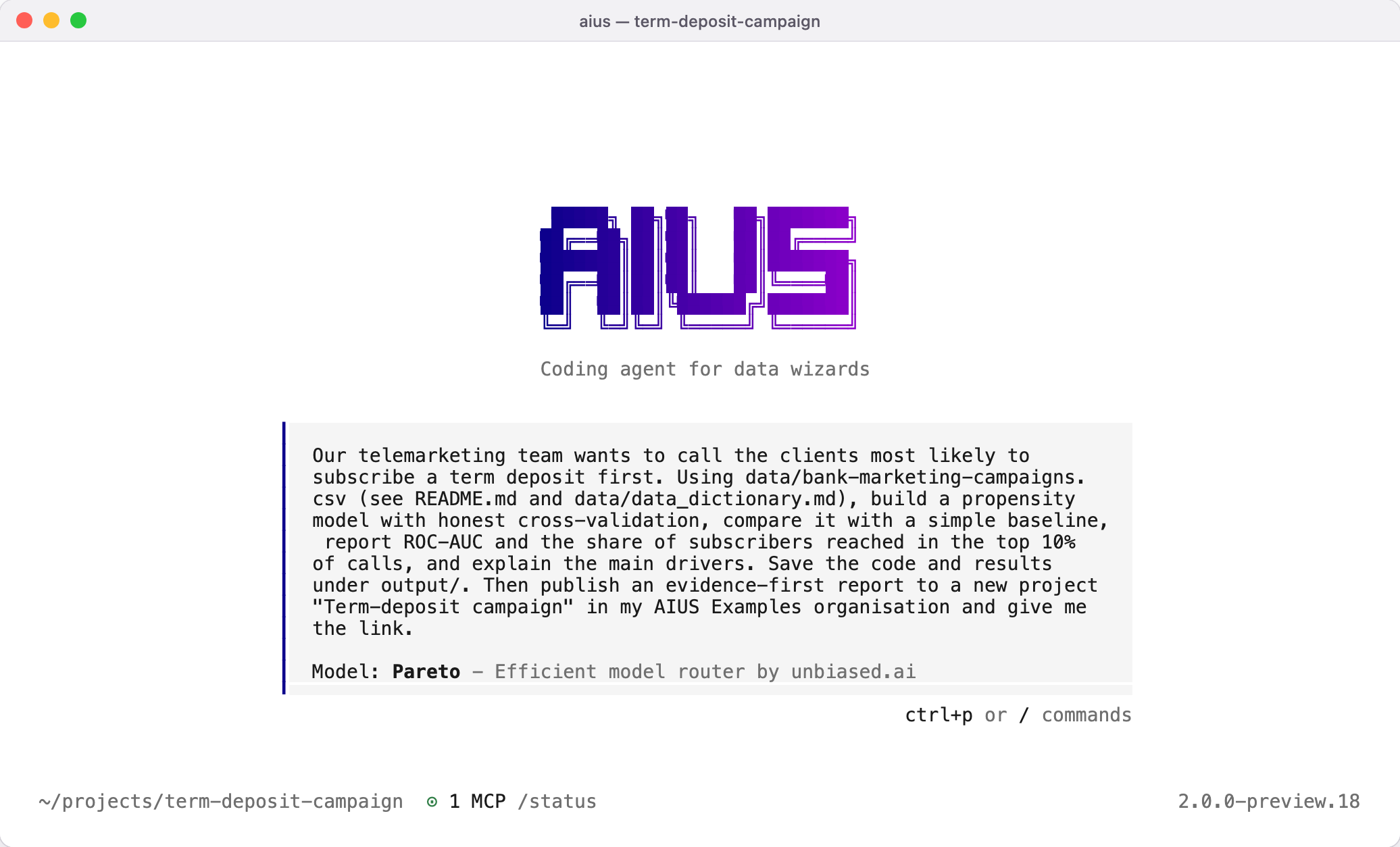 The agent inspects the data first, writes its code under
output/, runs it
in your project’s Python environment and checks its own numbers.Approve, publish and read the report
Before anything leaves your computer, the agent asks. Here it asks to attach
its analysis code, executed notebook and aggregate results to the report,
and keeps the raw contact rows and row-level predictions local: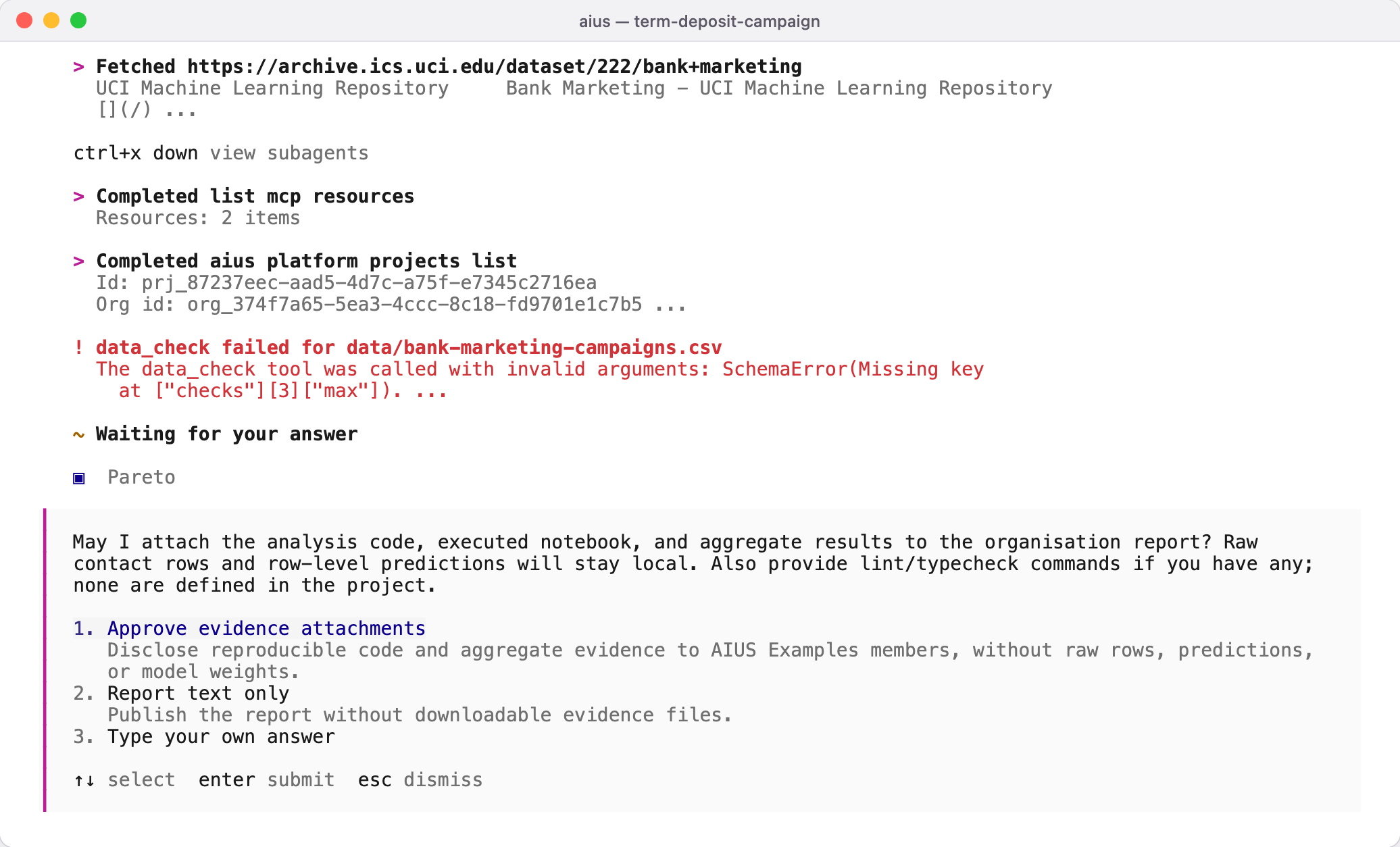 It then reviews the report, publishes it and gives you the link:
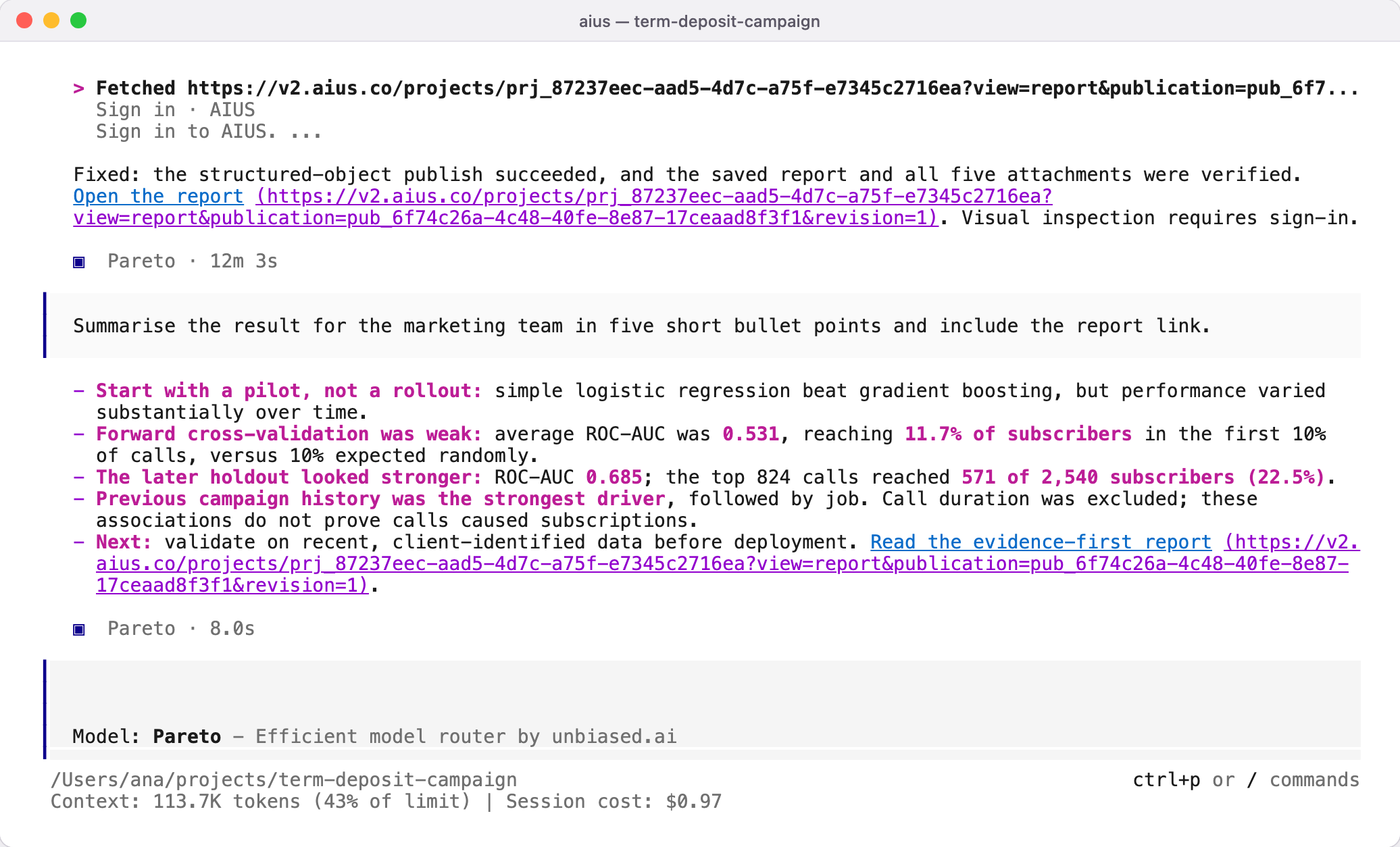 Open the link to read the report, its evidence and its attached files on the
web platform. Worked example walks through this report
section by section.
Open the link to read the report, its evidence and its attached files on the
web platform. Worked example walks through this report
section by section.