

/models to choose. Pareto, the default, routes each request to a
suitable model.
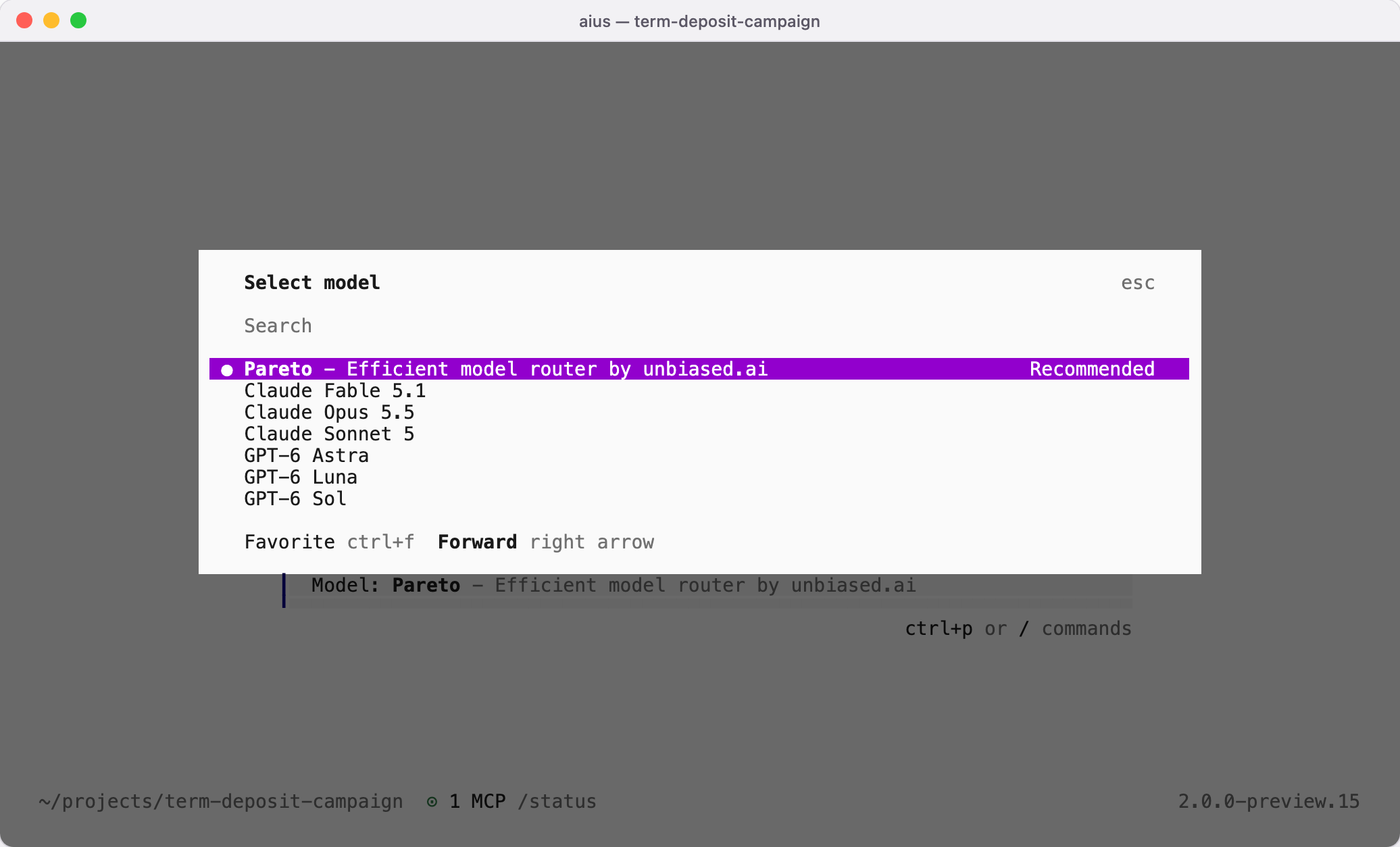
| Model | ID |
|---|---|
| Pareto | union-alpha |
| Claude Fable 5.1 | fable-5.1 |
| Claude Opus 5.5 | opus-5.5 |
| Claude Sonnet 5 | sonnet-5 |
| GPT-6 Astra | gpt-6-astra |
| GPT-6 Sol | gpt-6-sol |
| GPT-6 Luna | gpt-6-luna |
aius --model aius/opus-5.5.
Who pays
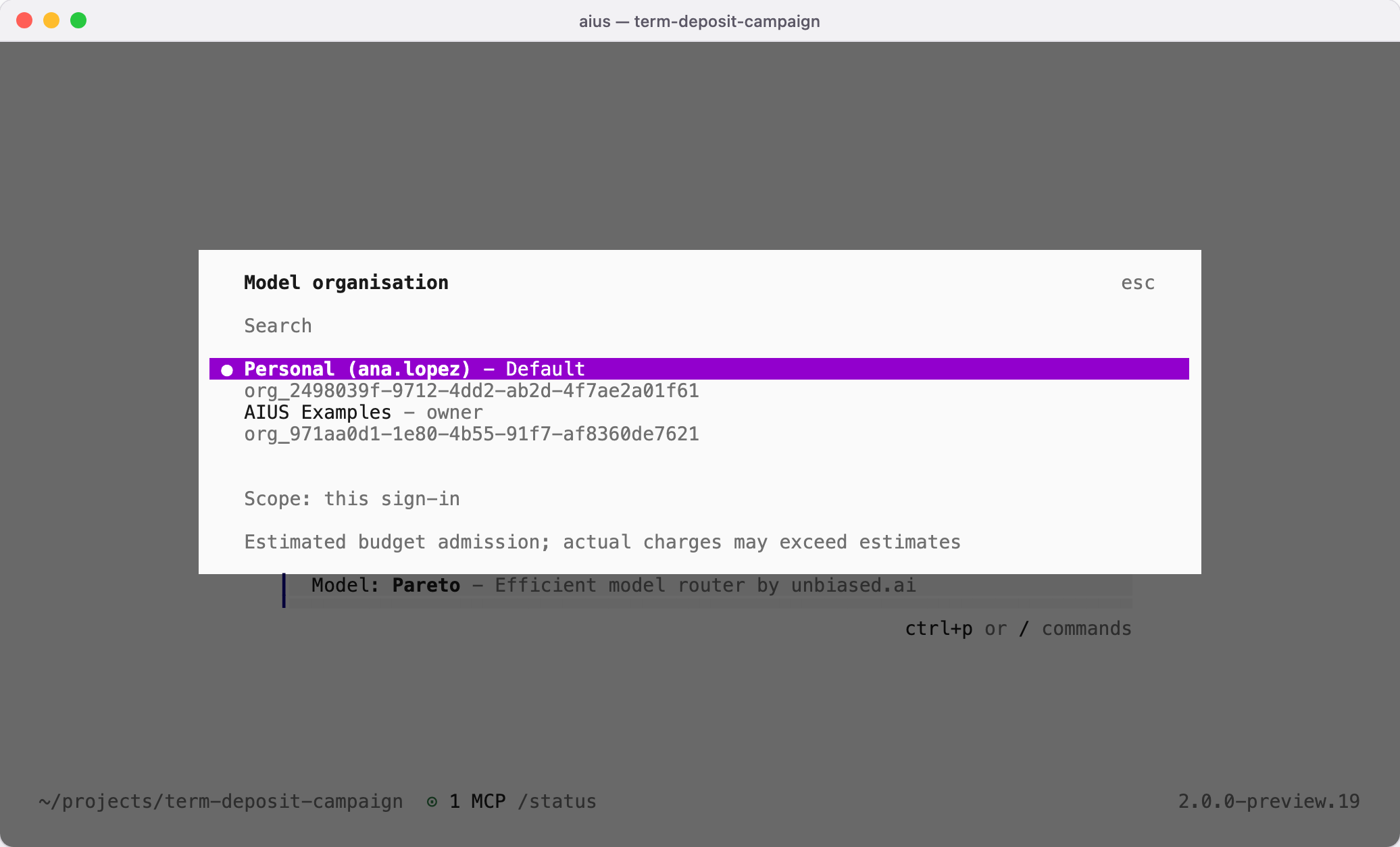
Model requests are billed to your personal organisation by default, the one AIUS creates with your account; there is nothing to set up. To bill another organisation, type/organisation and choose it, or run
aius platform organisation <id>. The choice lasts for this sign-in; choosing
your personal organisation again returns to the default.
aius platform credits shows the recorded
budgets.