The agent reads your project and runs analysis commands freely, because that is
most of the work. It stops and asks before it does anything that changes your
environment or shares your data.
| The agent asks before | Why |
|---|
Installing or syncing Python packages (pip, uv, conda, poetry) | It changes your environment |
Reading .env files | They often hold secrets |
| Working outside the project folder | It is outside the task you gave it |
| Uploading files and publishing reports | It shares data with your organisation |
| Recording runs to the project’s Work | It shares measurements of your work |
| Creating a public share link | Anyone with the link can read the report |
Questions
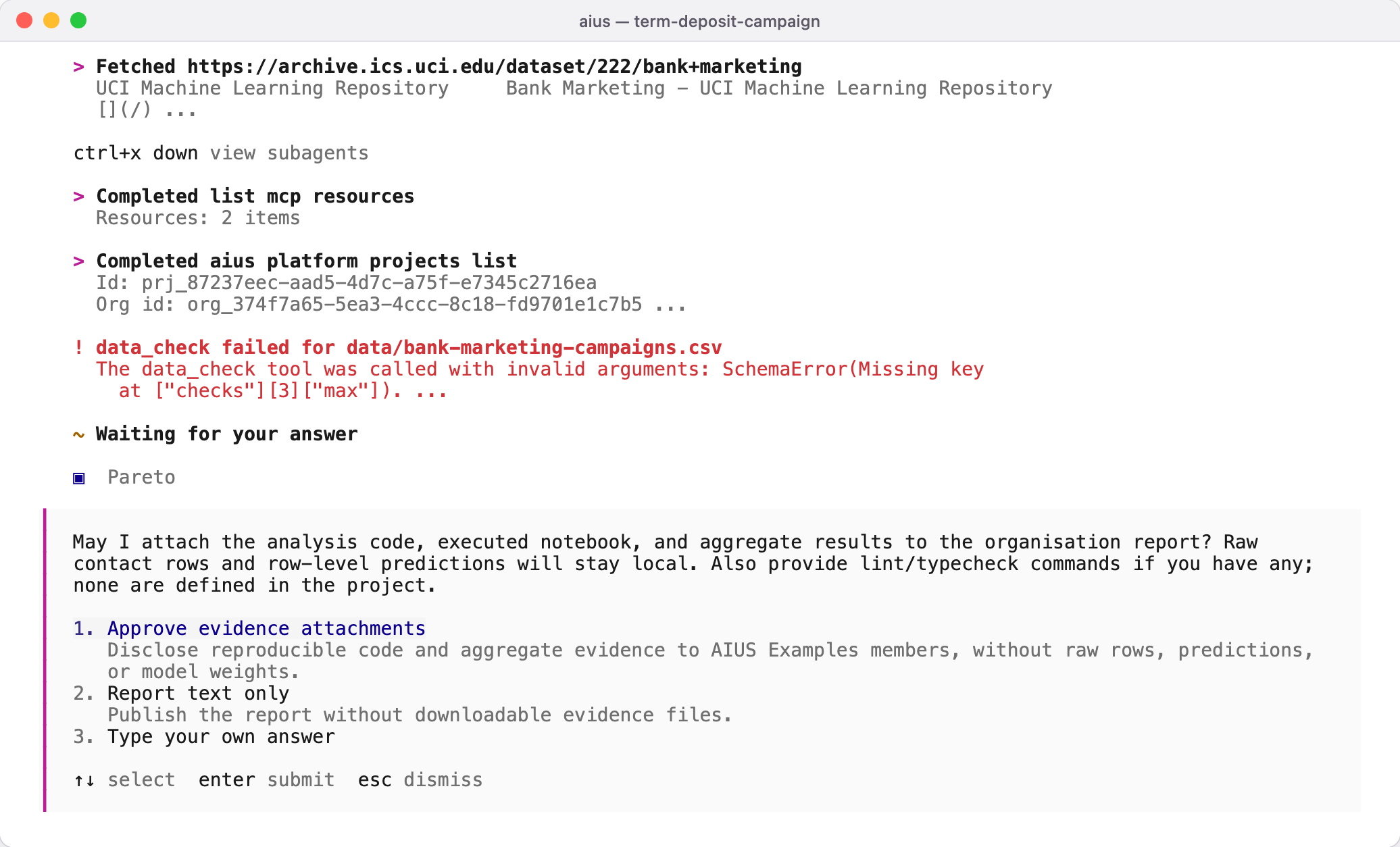
When a choice is yours to make, the agent asks a question with options. Use
↑ ↓ to choose, Enter to confirm, or type your
own answer. Several questions appear as tabs; review them on the last tab
before you submit.
Permission prompts
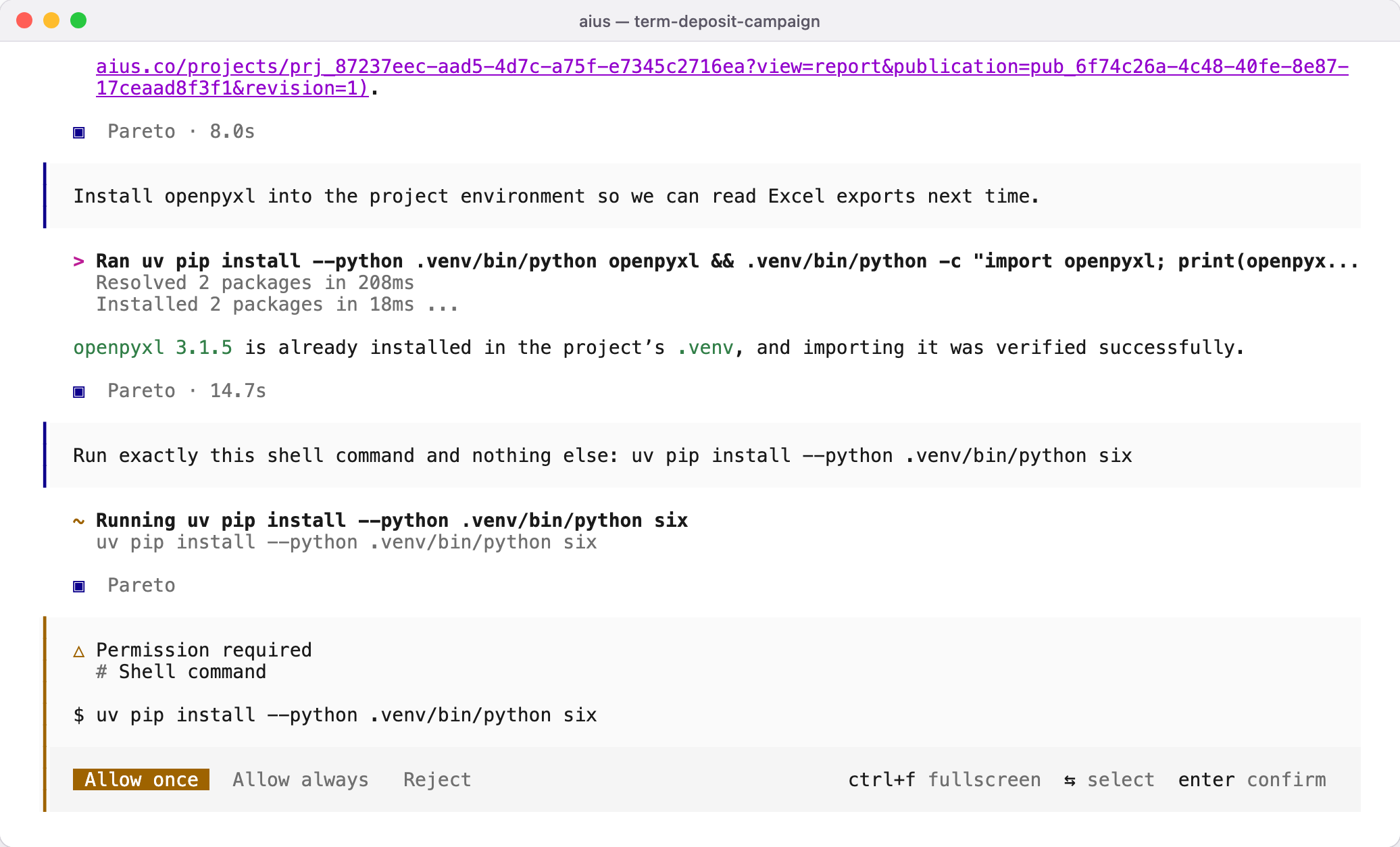
When a command or tool needs permission, the terminal shows the exact command
and three choices: allow it once, allow it always for this project, or reject
it. Reject leaves everything as it was, and the agent looks for another way.
aius --auto approves every request that is not explicitly denied, including
package installs and publishing. Use it only in a disposable environment.
~/.config/aius-agent/aius.json and, in a project,
from aius.json or .aius/aius.json. Settings written for other coding agents
never change what AIUS asks before it acts.