

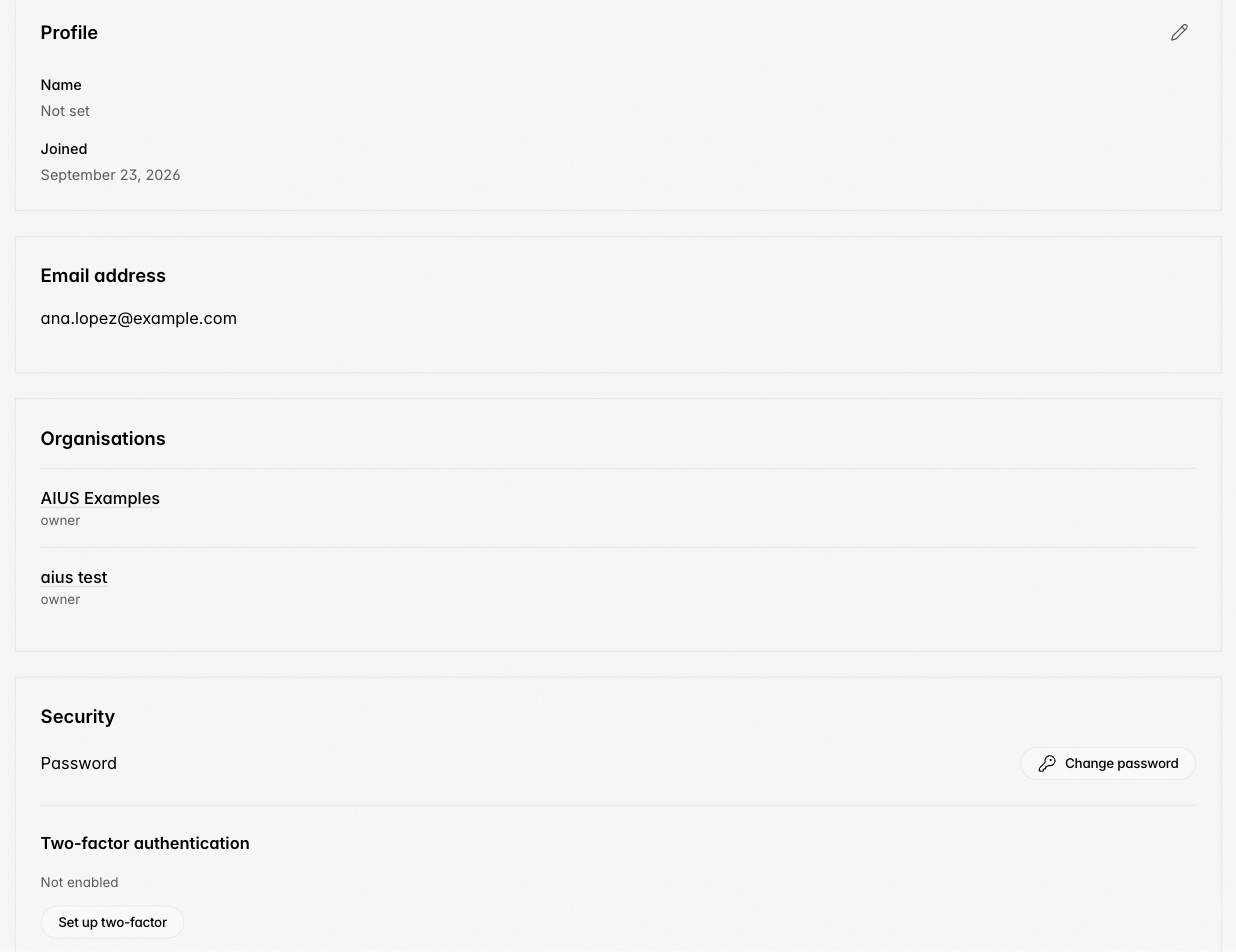
- Profile: the name shown to other members.
- Organisations: every organisation you belong to and your role in it.
- Security:
- Change password signs you out of every browser and disconnects terminal access; sign in again afterwards.
- Two-factor authentication adds an authenticator app. Keep the recovery codes it shows; each works once if you lose the device.
- Activity log: View activity lists your sign-ins, security changes and the work events you took part in.
- Delete account removes your sign-in and closes the organisations you own. Transfer ownership first to keep an organisation active. Registering again with the same email creates a new account; it does not restore the old one.