

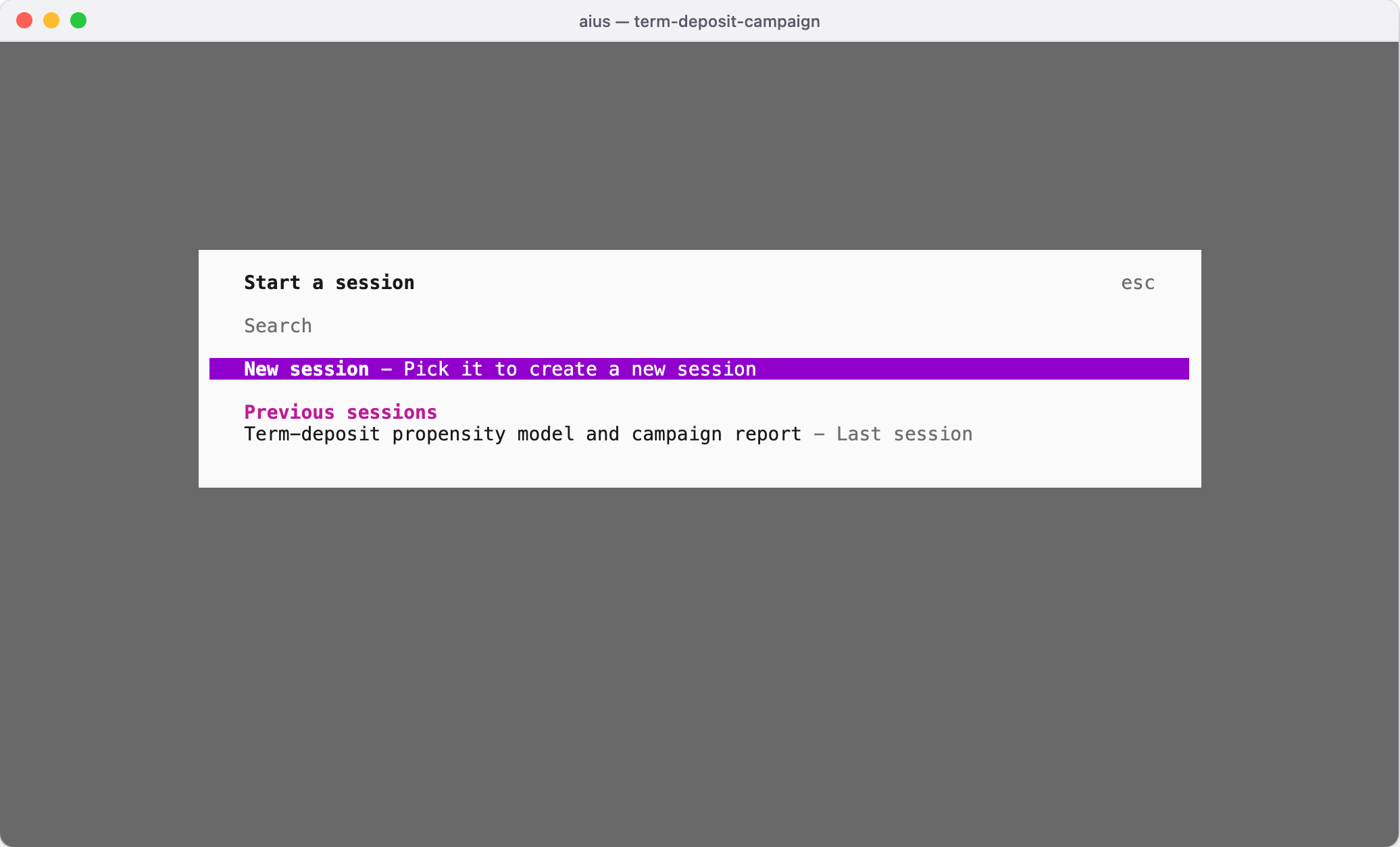
~/.local/share/aius appear here too, in the folder they were
started in (Folders and projects).
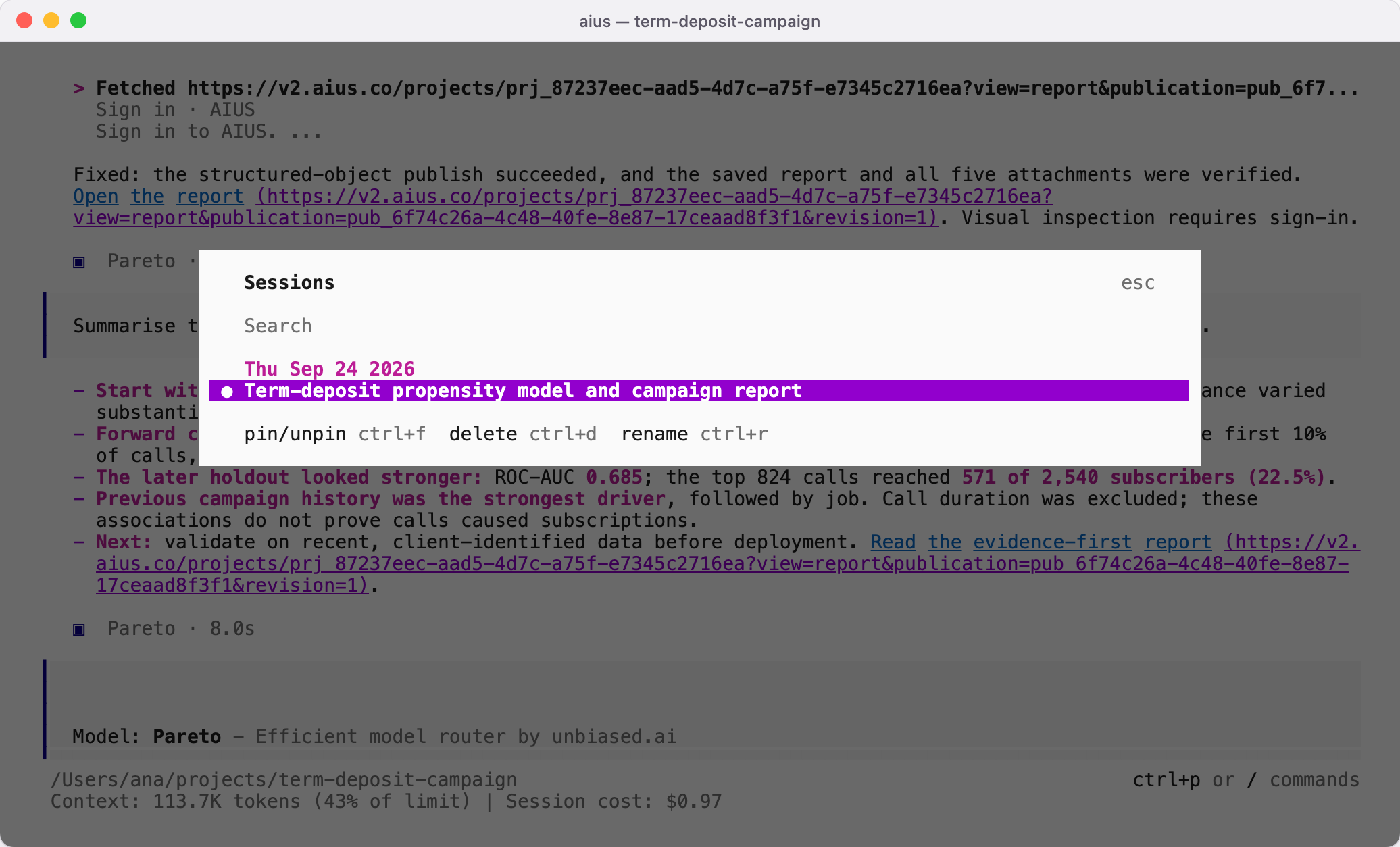
Type /sessions to see the sessions for this folder, newest first. Search by
title, open one to continue it, or use the shortcuts shown at the bottom of the
list to pin, rename or delete a session.
| Command | Does |
|---|---|
aius --continue | Continue the most recent session in this folder |
aius --session <id> | Continue a specific session |
aius --continue --fork | Branch the latest session into a new one |
aius export <id> | Write a session to JSON |
Useful commands in a session
Type/ to list every command. The ones you will use most:
| Command | Does |
|---|---|
/models | Choose the model (Models) |
/organisation | Choose whose budget pays for model requests |
/sessions | Open another session |
/projects | Link this folder to an AIUS Light project (Folders and projects) |
/sync | Sync this folder with its AIUS Light project |
/share | Publish this session to a project and get a link (Sharing) |
/status | Show the connection to AIUS Light |
/logout | Sign this terminal out |