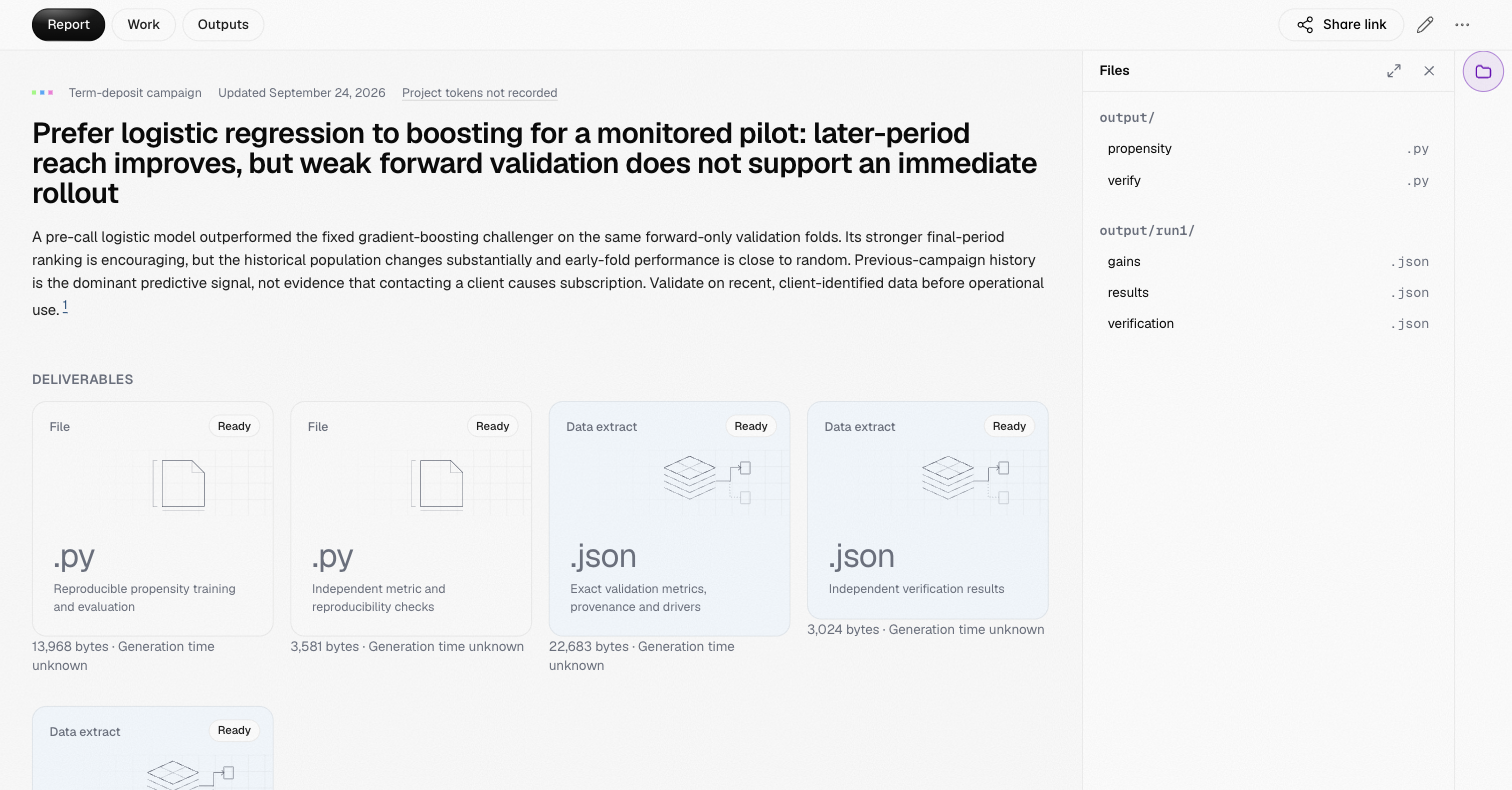
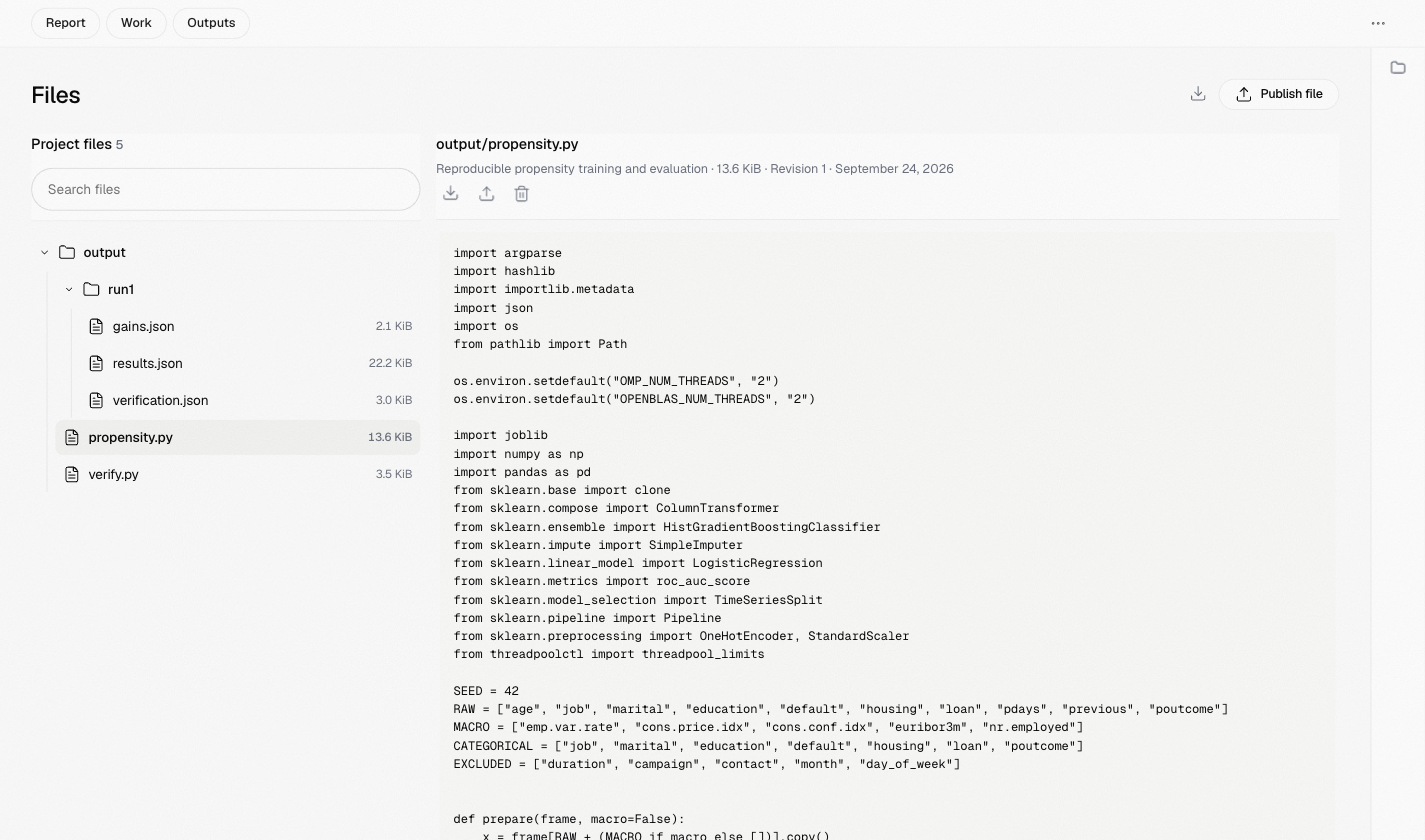
Browse, preview and download the files published to a project
The files panel opens from the folder button at the right edge of a project.
It lists every file published to the project, grouped by folder.
Select a file to open it. The panel can sit beside the report or expand to full
screen, and the address bar keeps its state, so the back button and a copied
link return to the same file.
Previews cover CSV and other tables, Markdown, notebooks with their outputs,
images and plain text. Each file shows its revisions; a report always cites the
exact revision it was published with, even after the file changes.Files reach a project only when you approve them in the terminal. Download a
single file from its preview, or every file in the project as a ZIP from the
Projects page.