

Your personal organisation
When you register, AIUS creates an organisation that you own, named after your email address, for example Personal (ana.lopez). You can create projects and publish to it straight away, rename it, and invite people into it. It is always yours: it can’t be deleted or given to someone else.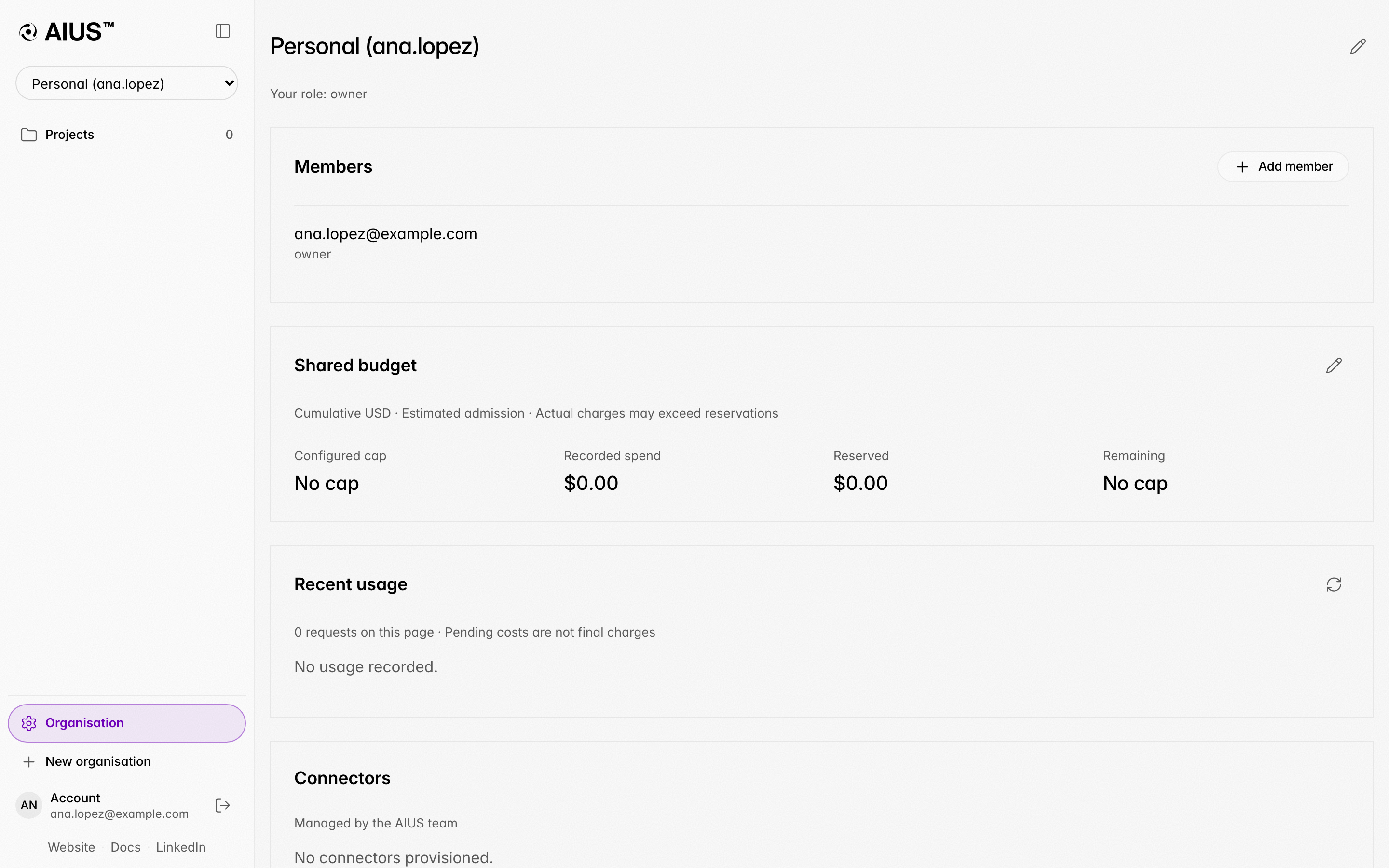
Where you work
One of your organisations is the one you work in: models from the terminal run on its budget, and new projects start there. It is your personal organisation until you switch:- in the terminal, open
/organisation, pick the organisation and choose Switch to this organisation (or runaius platform organisation <id>); - on the web, open the organisation’s page and choose Make it my default.
Shared organisations
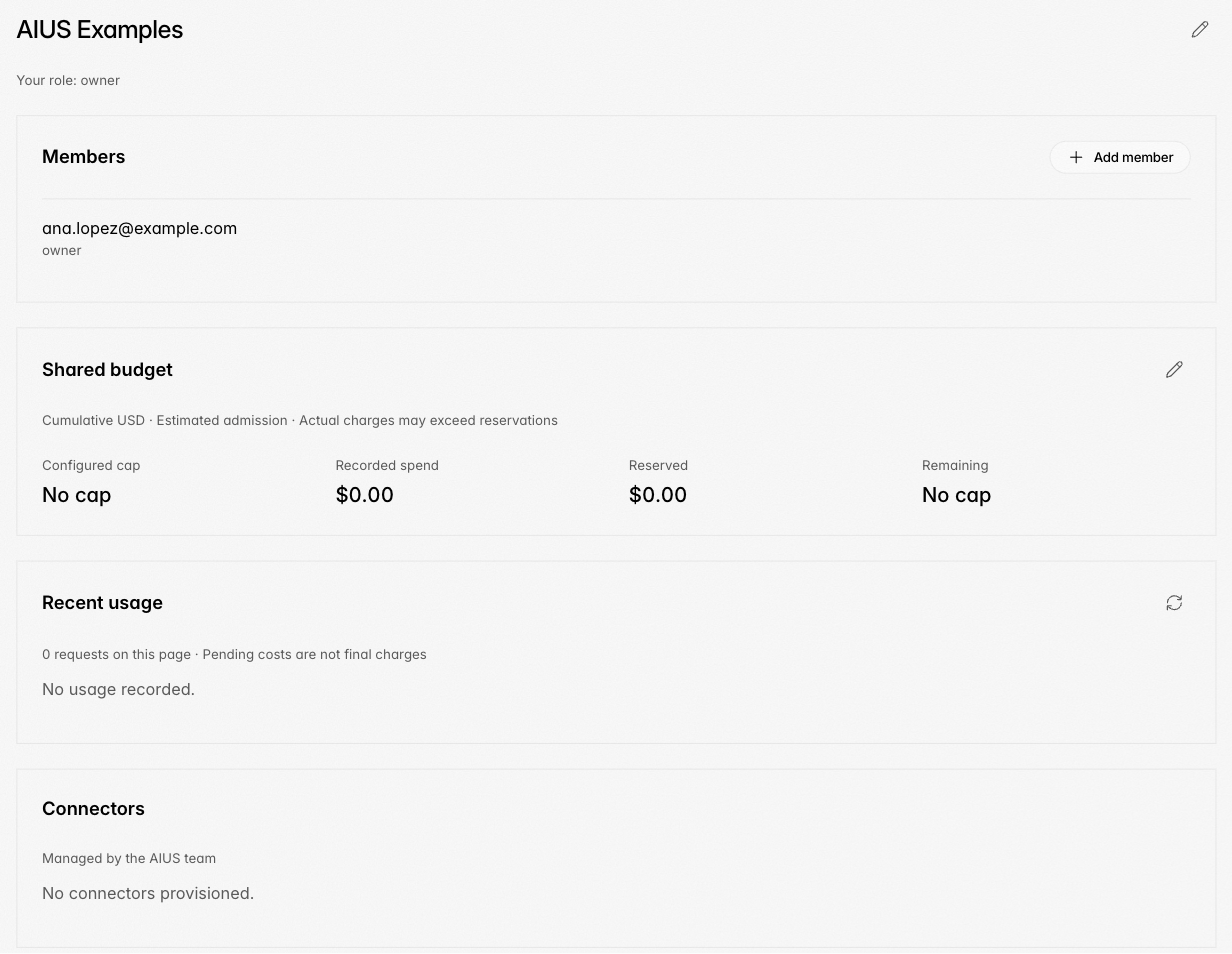
For a team, choose New organisation in the sidebar, or Create an organisation… in the terminal’s/organisation, and give it a name. You own
it. Nobody can join an organisation on their own: owners and admins invite
people by email with a role, and they join when they accept.
| Role | Can |
|---|---|
| Owner | Everything an admin can, and change roles, remove members, rename, transfer ownership and delete the organisation |
| Admin | Everything a member can, invite people, manage the budget, and read the organisation’s activity and everyone’s usage |
| Member | Create projects, publish reports and create share links |
| Viewer | Read projects and reports |
Managing organisations from the terminal
/organisation (also /org) lists invitations waiting for you and your
organisations, with the one you work in marked. For each organisation you can
switch to it, see its members, invite someone and pick their role, see and
revoke pending invitations, and, depending on your role, change a member’s role,
remove them, rename the organisation, transfer ownership, leave it or delete it.
Its budget, usage and Google accounts open on the web.
Deleting an organisation
The owner of an organisation other than their personal one can delete it: on its page choose Delete, or use/organisation in the terminal, and type its
name to confirm. Everyone loses access to its projects, pending invitations are
cancelled and its Google accounts are disconnected. It can’t be undone.